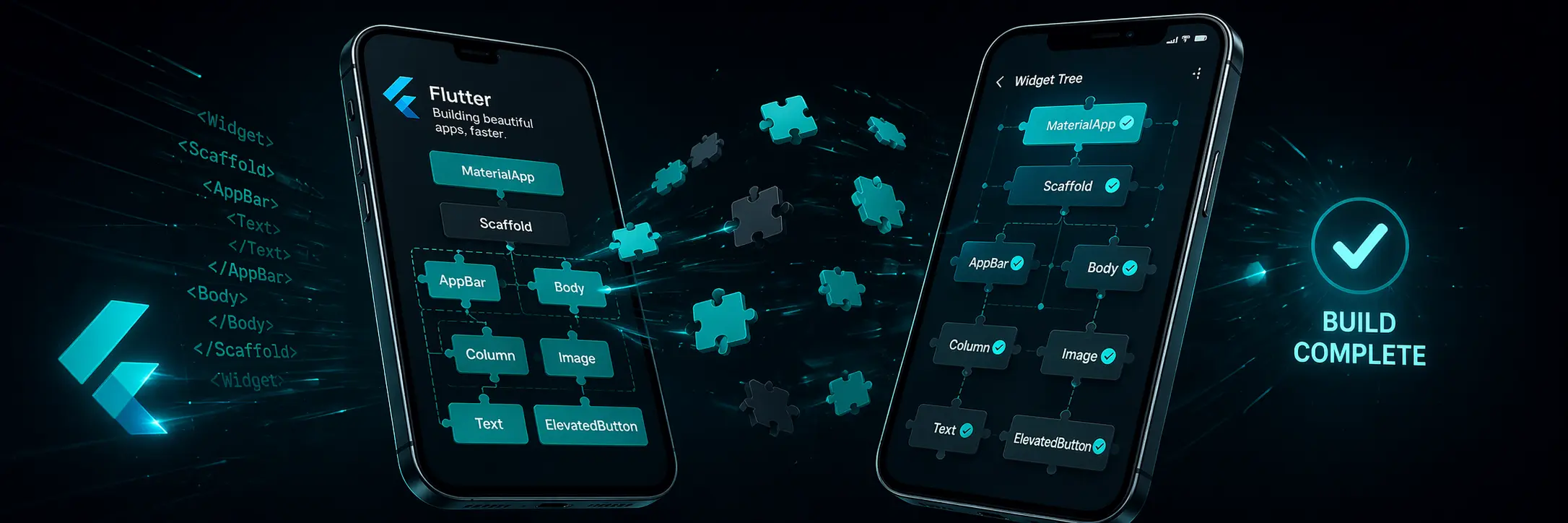
Learn Flutter
Build beautiful iOS and Android apps from a single Dart codebase. Flutter gives you fast development with hot reload, expressive widgets, and native performance — all for free.
Flutter at a Glance
Everything is a widget. Compose them together to build any UI imaginable.
import 'package:flutter/material.dart';

void main() {
  runApp(const MyApp());
}

class MyApp extends StatelessWidget {
  const MyApp({super.key});

  @override
  Widget build(BuildContext context) {
    return MaterialApp(
      title: 'Hello Flutter',
      home: Scaffold(
        appBar: AppBar(title: const Text('My App')),
        body: const Center(
          child: Text(
            'Hello, World!',
            style: TextStyle(fontSize: 24),
          ),
        ),
      ),
    );
  }
}
📱 Preview
App runs on device/emulator:
─ AppBar: "My App"
─ Body:   "Hello, World!" — centred
class CounterApp extends StatefulWidget {
  const CounterApp({super.key});
  @override
  State<CounterApp> createState() => _CounterState();
}

class _CounterState extends State<CounterApp> {
  int _count = 0;

  void _increment() {
    setState(() { _count++; });
  }

  @override
  Widget build(BuildContext context) {
    return Scaffold(
      body: Center(
        child: Column(
          mainAxisAlignment: MainAxisAlignment.center,
          children: [
            Text('Count: $_count',
                style: const TextStyle(fontSize: 32)),
            ElevatedButton(
              onPressed: _increment,
              child: const Text('Tap me!'),
            ),
          ],
        ),
      ),
    );
  }
}
📱 Preview
Initial screen: Count: 0
After 3 taps:  Count: 3
Button label:  "Tap me!"
Column(
  crossAxisAlignment: CrossAxisAlignment.start,
  children: [
    const Text('Profile',
      style: TextStyle(
        fontSize: 22,
        fontWeight: FontWeight.bold,
      ),
    ),
    const SizedBox(height: 16),
    Row(
      children: [
        const CircleAvatar(radius: 30),
        const SizedBox(width: 16),
        Column(
          crossAxisAlignment: CrossAxisAlignment.start,
          children: const [
            Text('Alice Smith',
              style: TextStyle(fontWeight: FontWeight.bold)),
            Text('Flutter Developer',
              style: TextStyle(color: Colors.grey)),
          ],
        ),
      ],
    ),
  ],
)
📱 Preview
Profile
──────────────────────
[Avatar]  Alice Smith
Flutter DeveloperWhat You'll Learn
Six modules covering everything from your first widget to multi-screen apps.
Dart & Flutter Basics
- Dart variables and types
- Flutter project structure
- main() and runApp()
- MaterialApp setup
Core Widgets
- Text, Icon, Image
- Container and SizedBox
- Padding and Margin
- Row and Column
Layouts & Styling
- Flexbox with Row/Column
- Stack and Positioned
- ListView and GridView
- BoxDecoration styling
Interaction & State
- GestureDetector
- ElevatedButton & TextField
- setState basics
- StatefulWidget lifecycle
Navigation
- Navigator.push / pop
- Named routes
- Passing data between screens
- BottomNavigationBar
Practical Projects
- Counter App
- Todo List
- Simple profile card
- Multi-screen app
Explore the Mobile category
Flutter is the most popular cross-platform framework in 2026. Also explore Kotlin for native Android and Swift for native iOS development.
Frequently Asked Questions
What is Flutter?
Flutter is Google's open-source UI toolkit for building beautiful, natively compiled applications for mobile (iOS & Android), web, and desktop from a single Dart codebase. It uses its own rendering engine instead of native components, giving pixel-perfect control on every platform.
Do I need to know Dart before learning Flutter?
No — this tutorial teaches you Dart as you go. Dart is simple to learn, especially if you already know any other programming language. Most Flutter developers learn Dart and Flutter at the same time.
Is Flutter good for beginners?
Yes. Flutter has excellent documentation, a hot reload feature that makes experimentation fast, and a very active community. Its widget-based model is intuitive once you understand it. Many developers build their first app within days.
Flutter vs React Native — which should I learn?
Flutter uses Dart and has better performance consistency. React Native uses JavaScript and has a larger ecosystem. If you are starting fresh, Flutter is often recommended for its consistency and smoother development experience. If you already know JavaScript well, React Native may feel more natural.
What jobs use Flutter?
Flutter developers are in demand at startups, tech companies, and agencies building mobile apps. The role is typically "Flutter Developer" or "Mobile App Developer". Companies like Google, BMW, Alibaba, and eBay use Flutter in production.
Ready to build your first app?
Free. No signup. No downloads. Just start coding.
Start Learning FlutterNo account required · Always free
The Story of Flutter
Real history, real companies, and an honest look at where Fluttershines and where it doesn't — not just a feature list.
Where it came from
Google announced Flutter in 2017, built around Dart — a language Google had developed years earlier for different purposes and repurposed here. Flutter's core idea is unusual: instead of using each platform's native UI components, it draws every pixel itself using its own rendering engine, which is exactly why a Flutter app looks pixel-identical on iOS and Android.
How it’s actually used today
Flutter apps include Google Pay, the Alibaba shopping app (used by over 50 million people), BMW's companion app, and eBay Motors. Because a single Flutter codebase compiles to native iOS, Android, web and even desktop apps, it's become popular with smaller teams who need to cover multiple platforms without maintaining separate codebases.
Strengths & trade-offs
Building one codebase for every platform is a major time-saver, but it comes at the cost of larger app file sizes and occasional friction when you need something that's deeply platform-specific, like advanced native camera controls. React Native takes a different trade-off — using native UI components — which some teams prefer for exactly that reason.
What to learn next
Learning Dart's core syntax deeply pays off quickly since Flutter's widget system leans on it heavily. From there, state management (Provider, Riverpod or Bloc) is the next real skill gap most learners hit once they build anything beyond a toy app.