Bash
The shell that runs the internet. Automate everything, from one-liners to full deployment pipelines.
Bash is the default shell on Linux and macOS. It's the language of system administrators, DevOps engineers and anyone who wants their computer to work for them — not the other way around. Write once, automate forever.
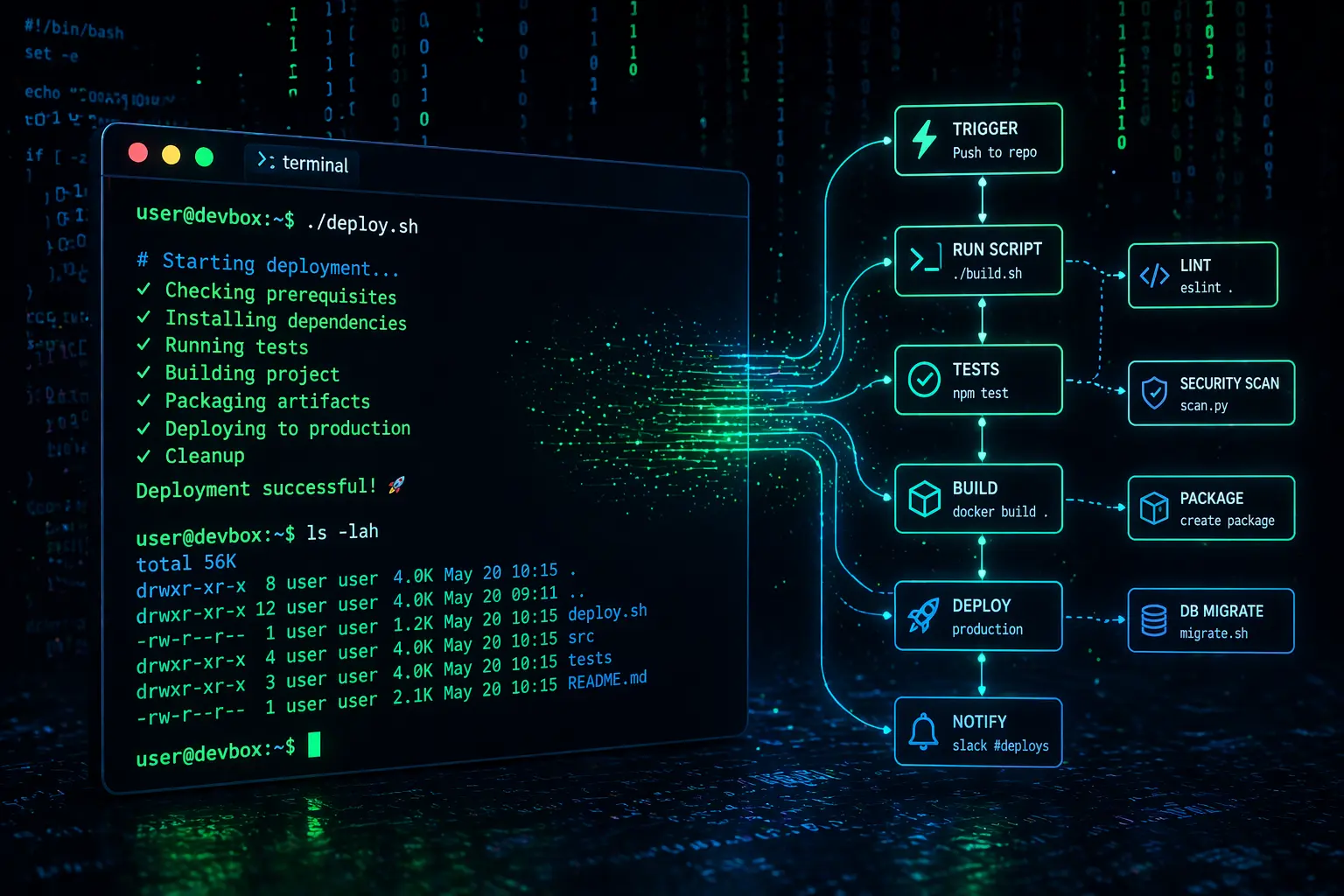
What you'll learn
The Bash tutorial covers everything from your first echo command to writing production-ready automation scripts used by real DevOps teams.
- Variables, data types and arithmetic
- User input with read and prompts
- Conditional logic — if, elif, case
- Loops — for, while, until
- Functions with return values
- Arrays (indexed & associative)
- File reading, writing and manipulation
- String operations and substitution
- Process management and signals
- Real-world automation scripts
#!/usr/bin/env bash

# Backup all .log files in /var/log
SOURCE="/var/log"
DEST="$HOME/backups/$(date +%F)"

mkdir -p "$DEST"

for file in "$SOURCE"/*.log; do
  cp "$file" "$DEST/"
  echo "Backed up: $(basename "$file")"
done

echo "Done — $(ls "$DEST" | wc -l) files saved."Backed up: auth.log Backed up: syslog Backed up: kern.log Done — 3 files saved.
What is Bash used for?
Bash scripts power everything from daily cron jobs to large-scale cloud deployments.
System Administration
Automate backups, user management, cron jobs and server maintenance.
DevOps & CI/CD
Build pipelines, deploy scripts, Docker entrypoints and release automation.
File Processing
Batch rename, convert, compress and organise thousands of files.
Data Pipelines
Parse logs, transform CSV data and chain commands with pipes.
Security Scripts
Audit permissions, scan for issues and harden system configurations.
Web Automation
curl API calls, wget downloads, webhook handlers and cron-triggered tasks.
Ready to script?
Jump into 10 hands-on Bash examples — from hello world to a full backup automation script.
Open the TutorialThe Story of Bash
Real history, real companies, and an honest look at where Bashshines and where it doesn't — not just a feature list.
Where it came from
Bash (Bourne Again Shell) was written by Brian Fox in 1989 for the GNU Project, intended as a free, improved replacement for the original Unix Bourne shell from 1977. It became the default shell on most Linux distributions and, for a long time, on macOS too, making it the closest thing to a universal command-line language across Unix-like systems.
How it’s actually used today
Bash scripts run the deployment pipelines, server automation, and backup jobs behind most of the internet's infrastructure — DevOps and site reliability engineering roles rely on it constantly for tasks like restarting failed services, rotating logs, and gluing together other command-line tools. Docker containers, cloud server setup scripts and CI/CD pipelines (GitHub Actions, Jenkins) are frequently written substantially in Bash.
Strengths & trade-offs
Bash is unmatched for quickly automating command-line tasks and chaining existing Unix tools together — its main weakness is that it wasn't designed as a general programming language, so things like proper data structures, error handling and testing are noticeably clunkier than in Python, which is why complex logic often gets rewritten in Python once a script grows past a certain size.
What to learn next
Python is the common next step once a Bash script starts needing real logic, error handling, or data manipulation. Learning Linux system administration concepts alongside Bash — processes, permissions, cron jobs — makes the language considerably more useful in practice.