Mobile &
App Dev
Build apps for Android, iOS and everywhere in between. From Kotlin's native Android power to Flutter's cross-platform magic — learn the tools used by millions of apps worldwide.
Not sure which to pick?
Choose by your target platform
4 Languages
Explore the languages
Kotlin
AndroidGoogle's preferred language for Android development. Fully interoperable with Java, with modern syntax and null safety built in.
Swift
iOS / macOSApple's powerful, safe and fast language for building apps across iOS, macOS, watchOS and tvOS.
Flutter
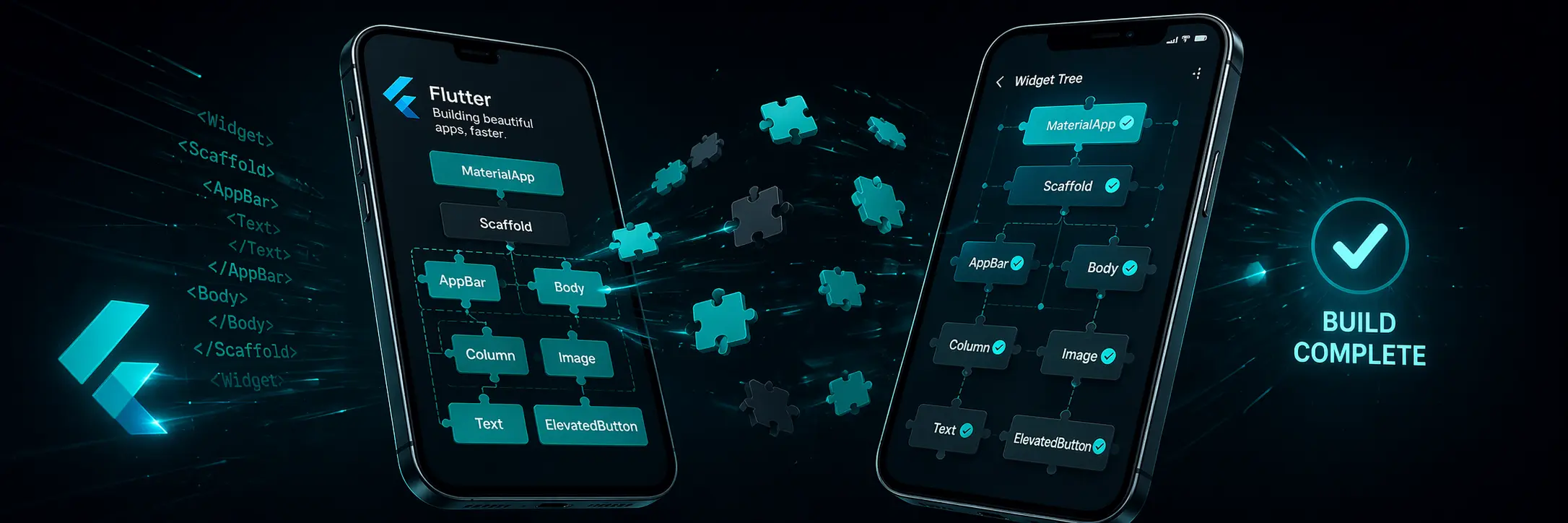
iOS · Android · Web · DesktopGoogle's UI toolkit using Dart. Build natively compiled apps for mobile, web and desktop from a single codebase.
React Native
iOS · AndroidBuild native iOS and Android apps using React and JavaScript. Used by Facebook, Instagram, Shopify and thousands of apps.
Common questions
FAQ — Mobile & Apps
Should I learn Kotlin or Swift first for mobile development?
It depends on your target platform. If you want to build Android apps, start with Kotlin — it's Google's official language and has the best tooling. If you're targeting iPhone and Mac, start with Swift. If you want both, consider Flutter or React Native first.
What is the difference between Flutter and React Native?
Flutter uses Dart and renders its own UI components using Skia/Impeller, giving pixel-perfect consistency across platforms. React Native uses JavaScript and maps to native platform UI components, so apps feel more 'native' per platform. Flutter generally has better performance; React Native has a larger ecosystem.
Do I need a Mac to learn iOS development with Swift?
To publish to the App Store and use Xcode, yes — a Mac is required. However, you can learn Swift syntax and core concepts on any machine using online Swift playgrounds. For Flutter, you can develop for Android without a Mac.
Is React Native a good choice if I already know React?
Yes. If you know React, React Native will feel familiar — same component model, hooks, state management and JSX. The main differences are that you use React Native components (View, Text, ScrollView) instead of HTML elements.
How long does it take to build a mobile app from scratch?
A simple app (to-do list, weather app, calculator) takes 2-4 weeks for a beginner who knows the basics. A production-quality app with authentication, a database and polished UI takes 3-6 months of learning first.
Build your first app today
No signup, no cost. Start with Flutter and build for both iOS and Android at once.
Beyond the basics
Making sense of Mobile & Apps
How these languages relate
There are really two different strategies here, not four competing languages. Kotlin and Swift are each platform-native — Kotlin for Android, Swift for iOS — giving you full access to every platform feature at the cost of maintaining two separate codebases. Flutter and React Native both let you write one codebase for both platforms, using different underlying strategies: Flutter draws its own UI, React Native uses each platform's real native components.
How to choose
If you're building for a single platform and want full control over every native feature, learn that platform's own language directly — Swift for iOS, Kotlin for Android. If you're a small team needing both platforms without doubling your workload, Flutter is the more consistent visual choice and React Native is the better fit if your team already knows JavaScript and React.
What's changing right now
Apple and Google have both been pushing declarative UI as the standard approach — SwiftUI for iOS and Jetpack Compose for Android — which has narrowed the syntax gap between native and cross-platform mobile development that used to be much wider a decade ago.